
Catalog
Choose a game and an available product. Price and required details are visible before checkout.
RedLine brings the catalog, checkout, order status and balance into one workspace for clients, storefronts and the fulfilment team.
The actual client workspace. The image shows data from a local test environment.
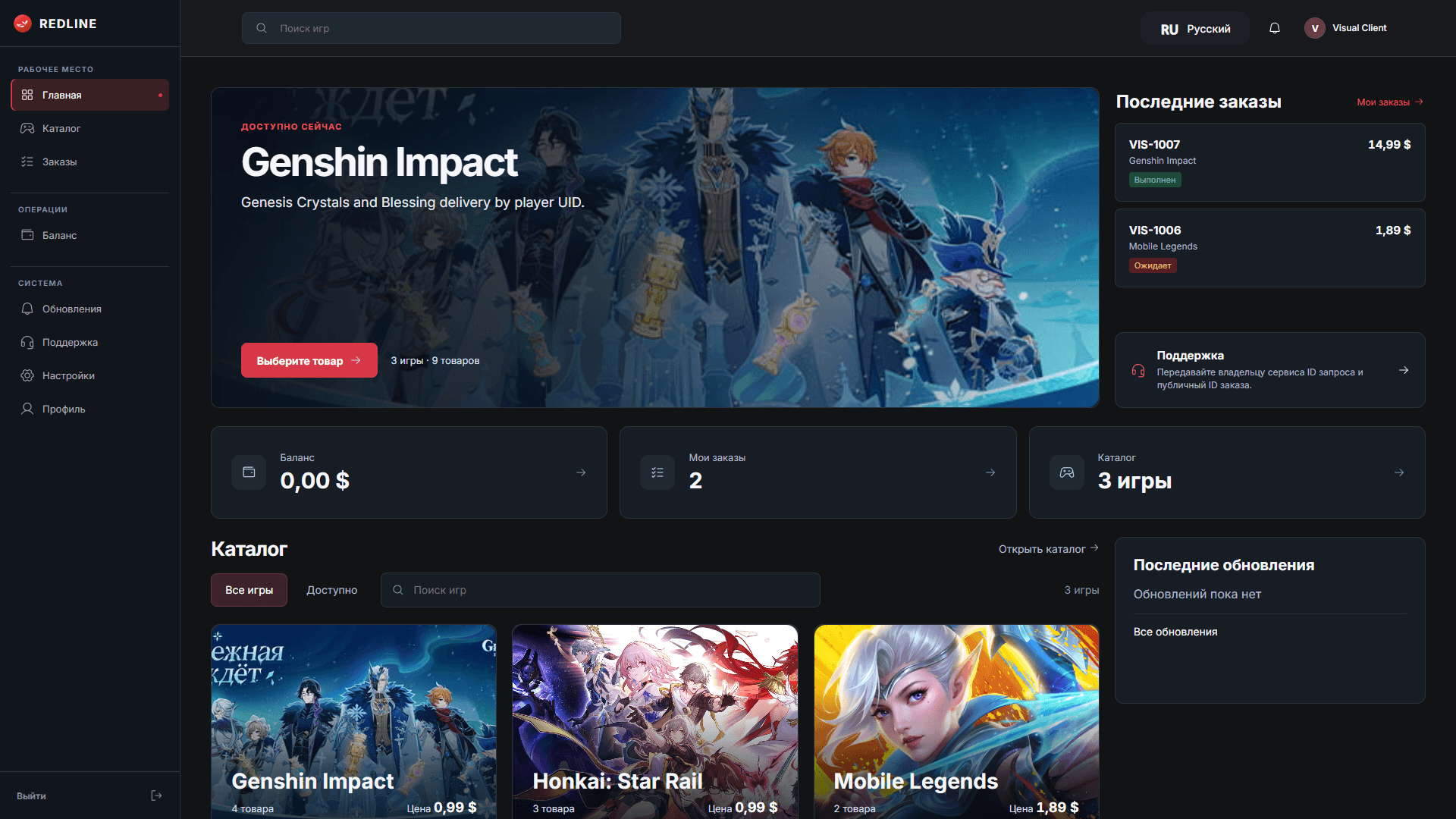
Choose a game and an available product. Price and required details are visible before checkout.
See the status, submitted details and history of each order.
Review available funds and transactions in your profile.
The workspace shows product availability and purchase options for each game.



Documentation covers the existing catalog, order and status endpoints. Storefronts work in the same RedLine system.
Sign in to your account or create one with an administrator invitation.